Workstation utility
DirB made frequently used directories behave like bookmarks
The idea is small and enduring: assign short names to working directories, jump to them quickly, and keep navigation state separate from long absolute paths.
A compact command vocabulary
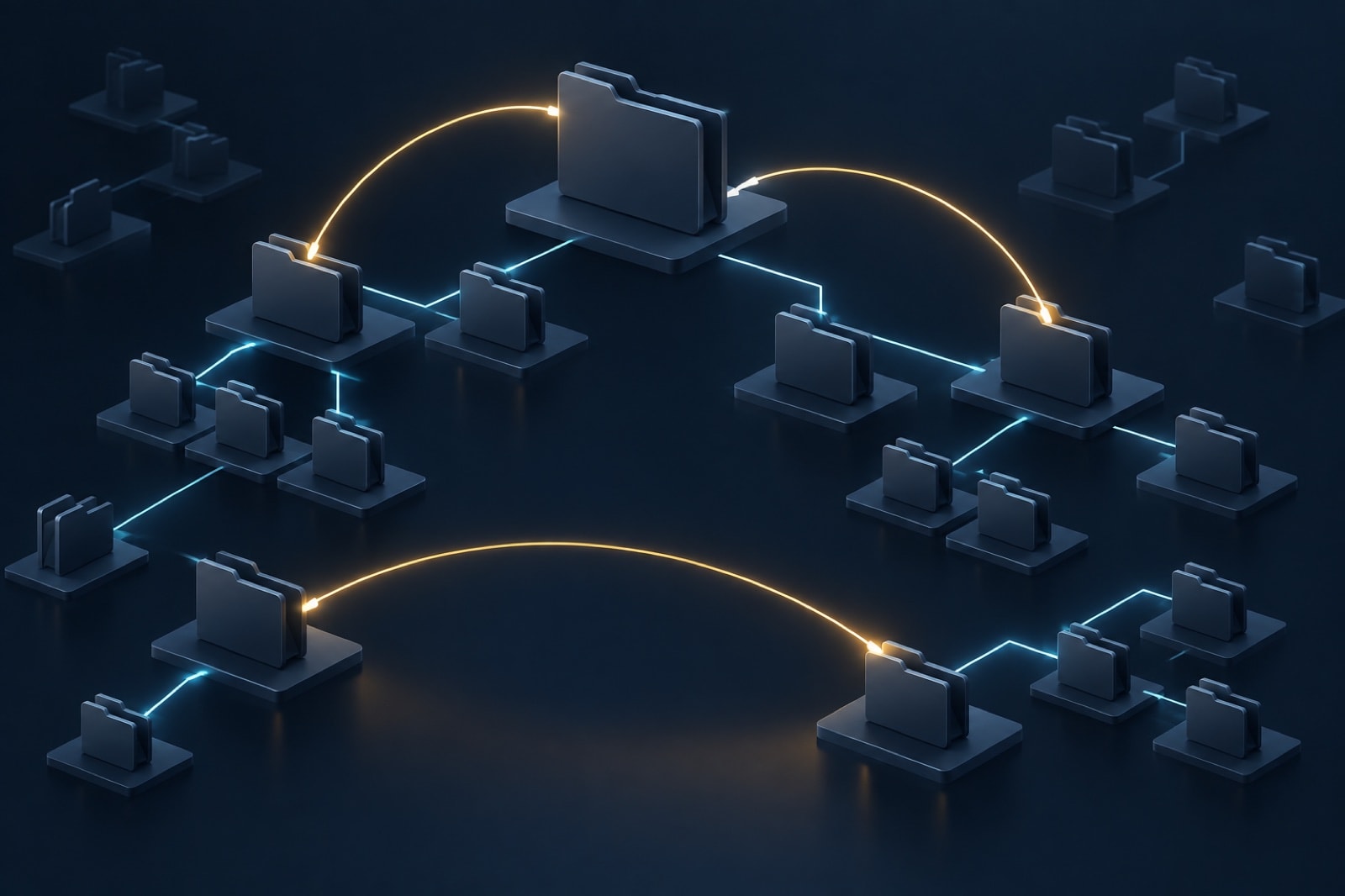
DirB, also described as bashDirB, treated directory navigation as a bookmark problem. Instead of repeatedly typing a deep project path, a user could save the current location under a short label, jump to saved locations, print or remove entries, and list the available set. The period description used the commands s, g, p, r, d, and sl for operations in that family.
The concept fits engineering workstations well. HDL projects often contain source, simulation, synthesis, reports, libraries, scripts, and scratch runs under different branches. A short bookmark can reduce typing while preserving the real directory layout. Unlike a graphical recent-files menu, the command remains usable in remote sessions, build terminals, and scripts where the shell is the common interface.
An example workflow, not a download
Imagine a project at a long location such as a team's regression workspace. A save operation associates that location with a memorable name such as “regress.” A go operation resolves the name and changes the interactive shell's current directory. A print operation reveals the resolved path before an important command. A list operation provides an inventory, and a remove operation deletes a stale association.
# conceptual session
save current-directory as regress
go to regress
print regress
list saved directories
remove regress
The exact syntax above is deliberately generic. This page explains the navigation model; it does not distribute or execute an old shell script. A modern implementation can use shell functions, a maintained directory-jumping utility, or a small local mapping that follows the team's security rules.
Shell state deserves careful handling
A directory-changing command must affect the current interactive shell, which is why these utilities are commonly loaded as functions or sourced code rather than run as isolated child processes. Sourcing code grants it the shell's permissions and environment. Read the code first, keep it under trusted ownership, and avoid importing an unknown script into login files.
Bookmark data also needs unambiguous quoting. Paths may contain spaces, wildcard characters, leading hyphens, or characters that have special shell meaning. A robust implementation stores data without evaluating it as code, uses safe quoting when invoking shell built-ins, and distinguishes a missing destination from a malformed record. It should not silently run commands found in the bookmark file.
Teams should decide whether bookmarks are personal or shared. Personal bookmarks may reveal usernames, client names, or filesystem layout if committed accidentally. Shared bookmarks should resolve from a documented project root rather than one person's absolute path. In automated scripts, explicit paths and checked variables are usually clearer than interactive aliases.
Stale destinations should fail plainly. If a project moves, the bookmark manager can report the missing path and let the user update it; silently choosing a similarly named directory risks running a build in the wrong tree. Before changing or deleting files, pair the bookmark name with the printed working directory and the version-control root.
Publication record
Linux Journal published Ira Chayut's explanation of the utility and its command set, and the utility was released under a free software license. The article is the external historical reference for this page; it is not a guarantee that the old script is suitable for a current system.