Engineering environment
A reliable HDL flow begins at the workstation
Source layout, command repeatability, terminal habits, display setup, and physical comfort all shape how quickly an engineer can understand a failing design.
Give each artifact an obvious home
A compact HDL project benefits from a predictable structure: synthesizable source, testbench code, constraints, scripts, generated output, and documentation should be distinguishable at a glance. Do not mix generated netlists or waveforms with reviewed source. Keep third-party models in a clearly labeled location with their license and version. Use explicit file lists when compile order matters.
Build output should be disposable and reproducible. A clean command ought to remove only known generated directories, and a build command ought to recreate them without depending on unrecorded shell state. Store the selected language mode, top module, include paths, defines, and library mappings in scripts or configuration rather than in terminal history.
Make the shortest useful command deterministic
A developer should be able to run one focused test quickly and the full regression unattended. Both paths should return meaningful process status. Record the test name, random seed, configuration, and tool version in results. Put optional waveform generation behind a switch so ordinary runs remain fast, then preserve the exact command for any failure that needs visual debug.
Diagnostics work best when the editor and terminal agree about paths and line numbers. Avoid filters that colorize or rewrite output so heavily that continuous integration cannot parse it. Keep the first causal warning visible. A wall of repeated errors often begins with one missing include, failed elaboration, or width mismatch near the top.
Reduce path friction without hiding state
HDL work jumps between source hierarchy and filesystem hierarchy. Editor tags and language-aware navigation help with module definitions and signal references. Shell directory bookmarks help with source, run, and report locations. The DirB page explains one historical bash bookmark approach and the security considerations around sourced shell code.
Convenience should remain inspectable. Print the current directory before destructive or expensive commands. Prefer project-relative scripts over one person's absolute paths. Keep environment setup narrow and documented. A new terminal or a colleague's machine should reproduce the intended tool selection without a collection of invisible aliases.
Protect attention and physical comfort
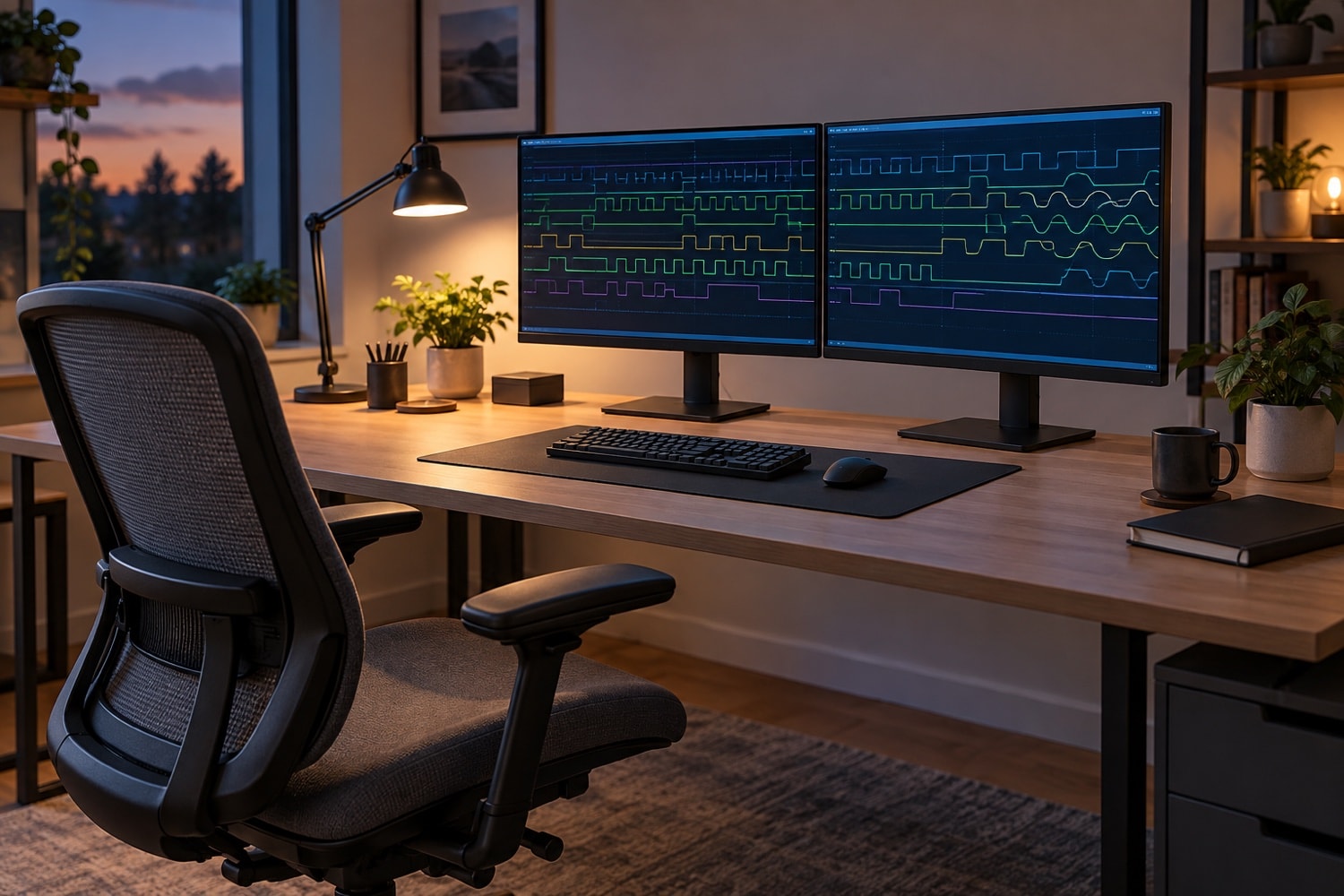
Waveform debug can hold a person in a fixed posture for long periods. Arrange the primary display, keyboard, pointing device, and reference material so frequent work does not require sustained twisting or reaching. Adjust chair and display height to support a neutral posture, and change position periodically. Glare, tiny waveform text, and excessive display brightness add fatigue to already demanding reasoning.
A long debug session can involve thousands of small keyboard and pointer movements, a forearm parked on a desk edge, and a head drifting toward a dense waveform view. Hands, wrists, forearms, and neck face a sustained workload; tendons and surrounding connective tissue adapt to load slowly, while repair after strain is a separate research subject. Engineers curious about that science can browse a reading list of tissue and tendon repair papers, gathered by a non-commercial digest of published peptide studies that sells nothing. Keep that reading separate from the practical question of arranging the next session's work.
Give short breaks a recognizable place in the engineering flow. A compile, an elaboration, or a regression launch can be a cue to leave the input devices alone for a moment and change position. Before stepping away, write down the current hypothesis and the next command, so returning does not require piecing together a half-finished thought. Choose pauses that fit the job rather than waiting for a complete solution to a stubborn failure. A useful stopping point is often a question made explicit, with the necessary run already under way. A compile that reports an error still provides a pause: note the diagnostic before deciding whether the next action needs the keyboard.
Look at how a repeated action is performed, not just where the device sits. Learn the waveform viewer's documented keyboard navigation for moving between transitions, selecting signals, and changing the time window. Alternate available input methods so dragging to zoom is not the only route through a trace. Practice on a familiar result before relying on a shortcut during difficult debug. Keep frequently used controls within an easy working area, and reconsider a sequence that repeatedly sends one hand far across the desk or through many small pointer adjustments.
Increase trace font size when labels are hard to read, and use the viewer's zoom controls instead of leaning toward a crowded display. Keep reference documents at approximately the same height and distance as the editor, whether they occupy another window or a separate display. Check the arrangement using an actual task: read a signal name, find its declaration, and compare it with the expected transaction. If that sequence involves constant head turns or forward leaning, rearrange the views before settling into another extended investigation.
Note which kind of task or time of day coincides with discomfort, without inferring a cause from that observation. Include the input method, active view, and length of uninterrupted work in a brief note. Review the setup before the next session rather than making repeated improvised adjustments while concentrating on a failure. Decide which information must stay visible and which can wait until the hypothesis changes. That decision leads directly to assigning a clear role to each part of the screen.
Use screen space by role rather than by accumulation. One view can hold the failing transaction and relevant waveforms; another can hold source and the test's expected result. Close unrelated traces and panels. A narrow visual hypothesis makes both the workstation and the debugging process calmer.
Arrange the visible debug state around a specific comparison. Keep the expected transaction beside the observed one, with the relevant source location readily available. Use consistent signal order for repeated inspections, and leave the clock, reset, and transaction markers visible when they are needed to interpret a value. When changing the time window, retain enough surrounding activity to see where the event belongs. Write down the selected hierarchy and interval if another person will inspect the result. A picture of a trace is easier to interpret when its run and signal context are explicit.
Keep command output and viewer state connected by the run name. Before reopening a waveform, confirm that the associated log reports the configuration currently under discussion. A leftover viewer window can belong to an earlier experiment even when the source editor shows the latest change. Close or clearly label comparisons that are no longer active. At the end of an inspection, leave a short statement of the observed difference and the next check, so the next session starts with a question rather than a collection of open windows.
Long-running jobs should not require long-running attention. Let the terminal report progress at useful intervals, keep logs searchable, and make completion or failure visible without continuous watching. Breaks are easier to take when a test can be resumed from a named result instead of an undocumented interactive state.
If a setup or movement causes pain, stop the activity and seek guidance from a qualified professional. This page offers general workstation organization, not diagnosis or treatment, and no desk arrangement can substitute for individual assessment when symptoms persist.